How to Find and Delete Duplicate Songs on Apple Music
You know they’re in there. The same song showing up two, three, even four times - hiding across singles, deluxe editions, and greatest hits albums. Scrolling past them every day gets old fast.
Here’s how to clean up every duplicate in minutes.
Download Song Sweeper
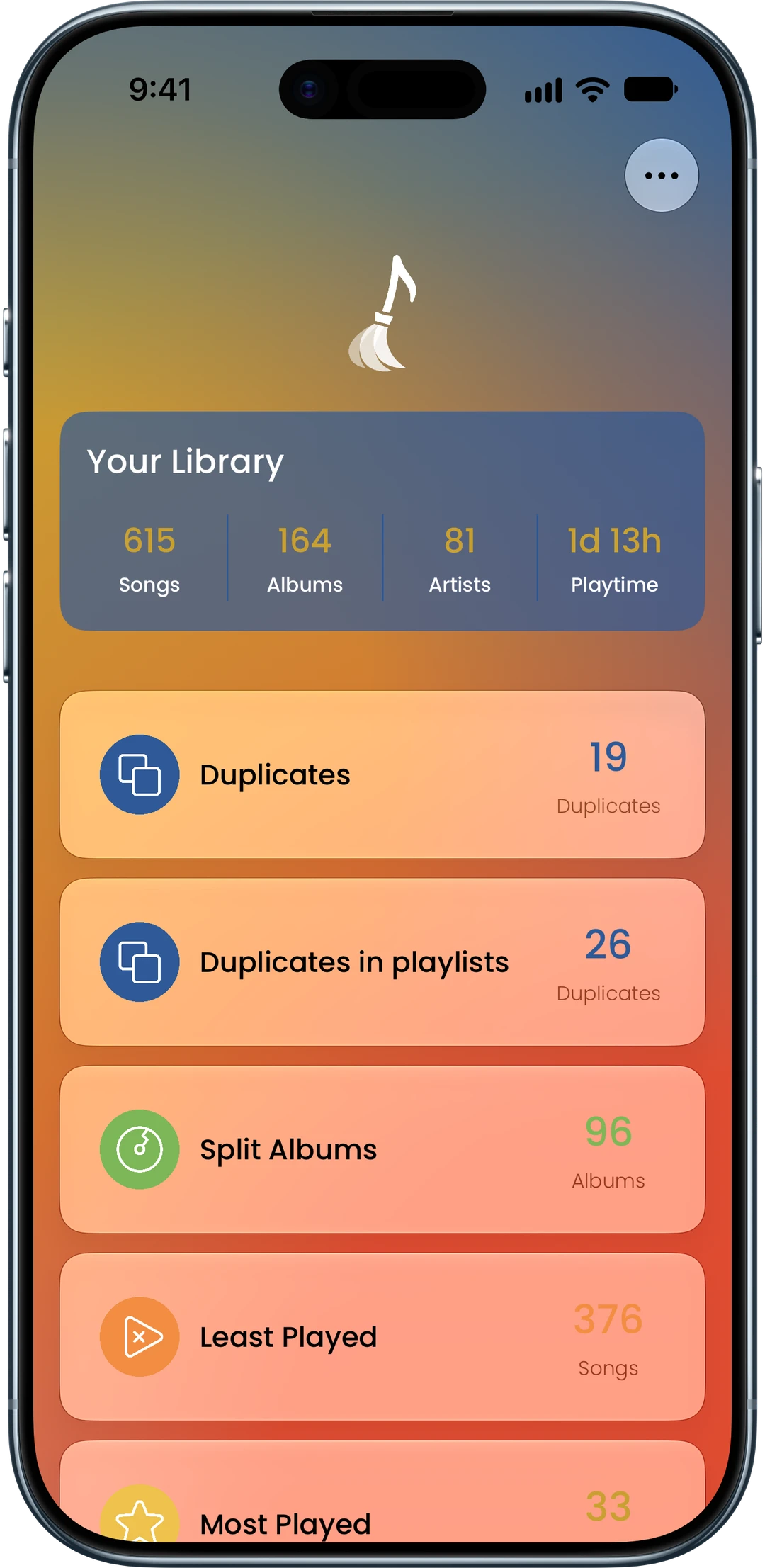
Get Song Sweeper from the App Store - it’s the fastest way to find and remove duplicate songs from your Apple Music library. Open the app and grant access to your music library to get started.
Find and Remove Your Duplicates
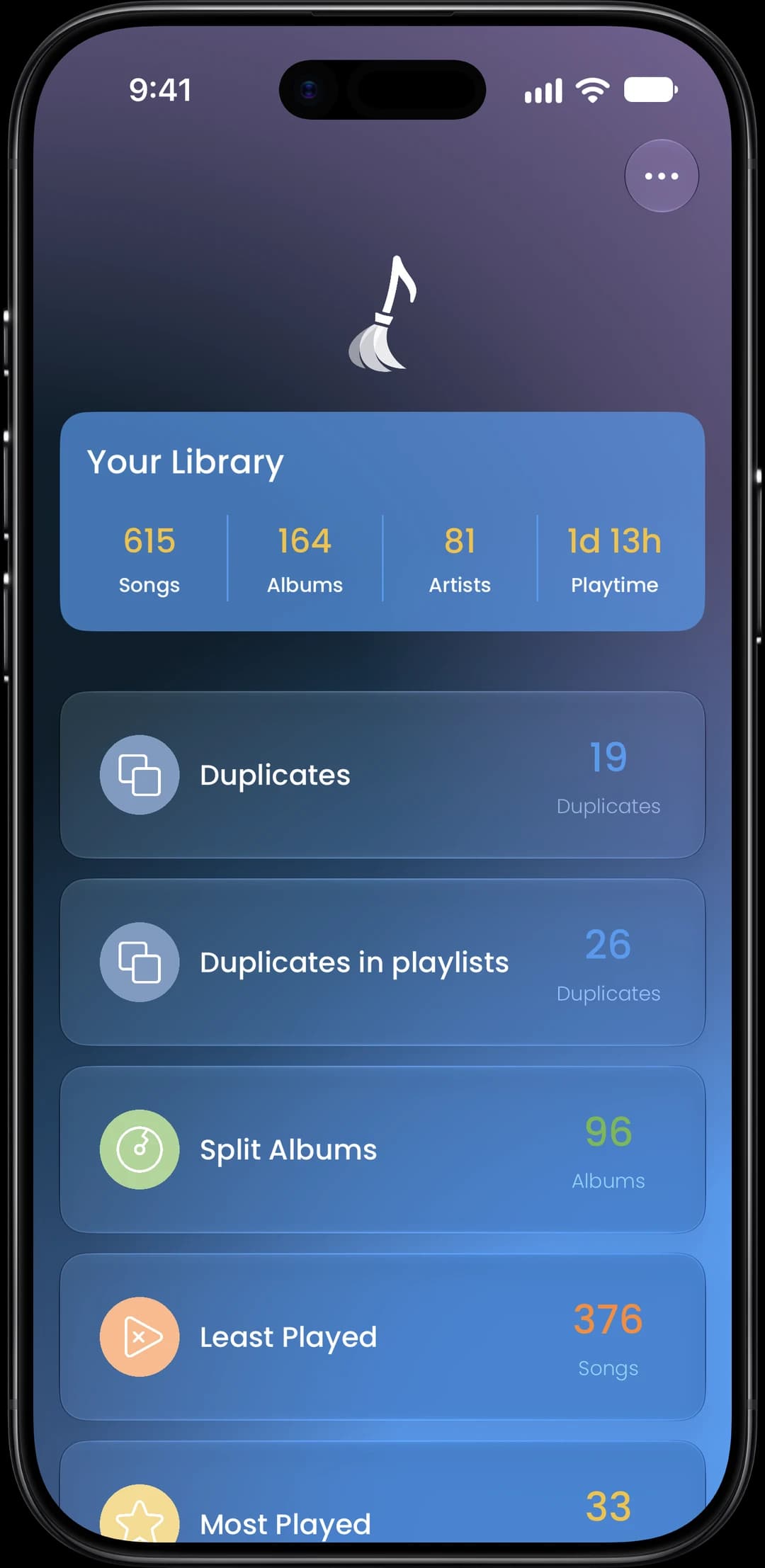
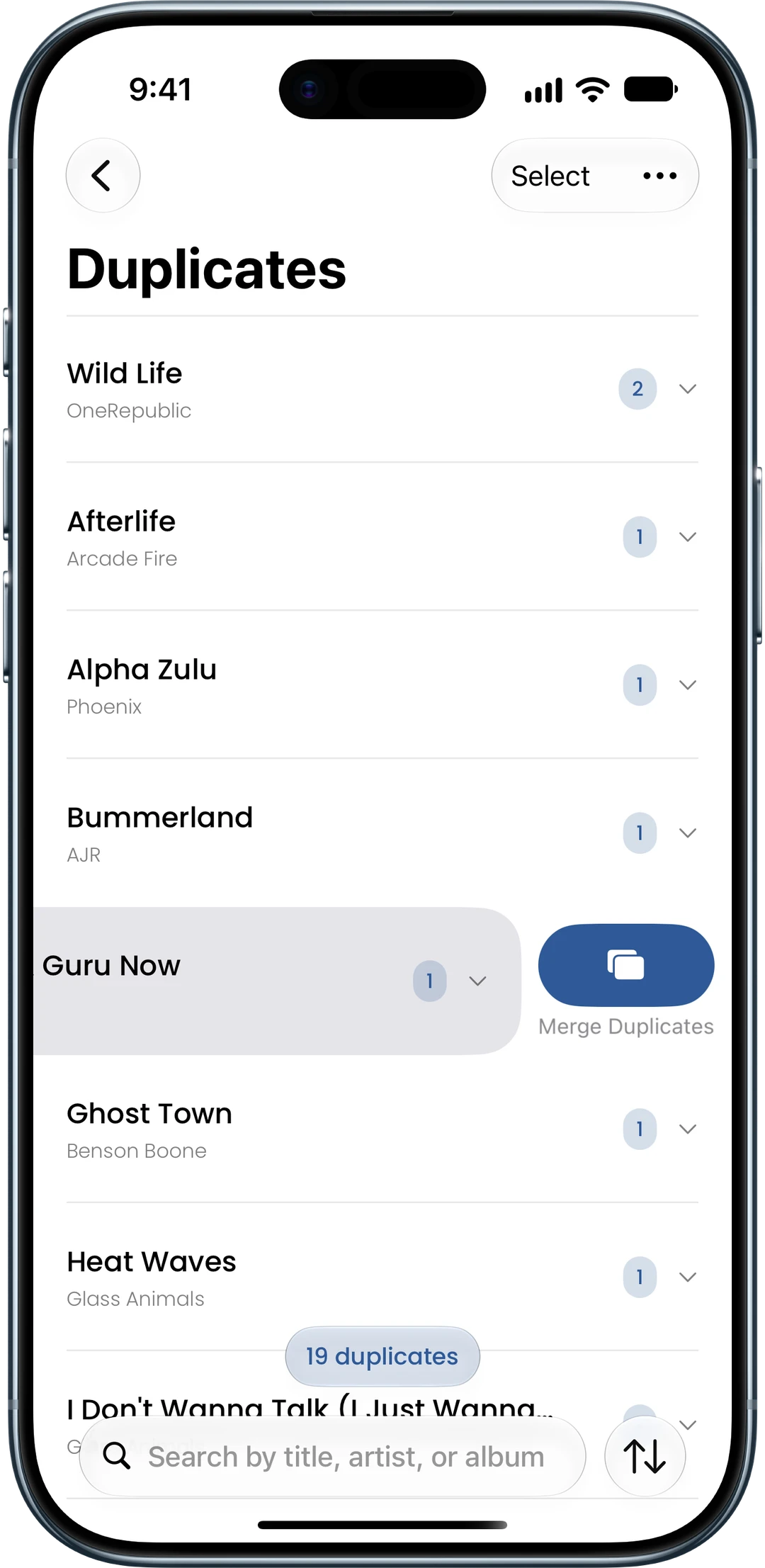
Tap Duplicates to scan your library and see every duplicate grouped in one clear list. Swipe to delete individual songs, or merge an entire group - Song Sweeper keeps the best copy and removes the rest. Need to go faster? Multi-select lets you process groups in bulk.
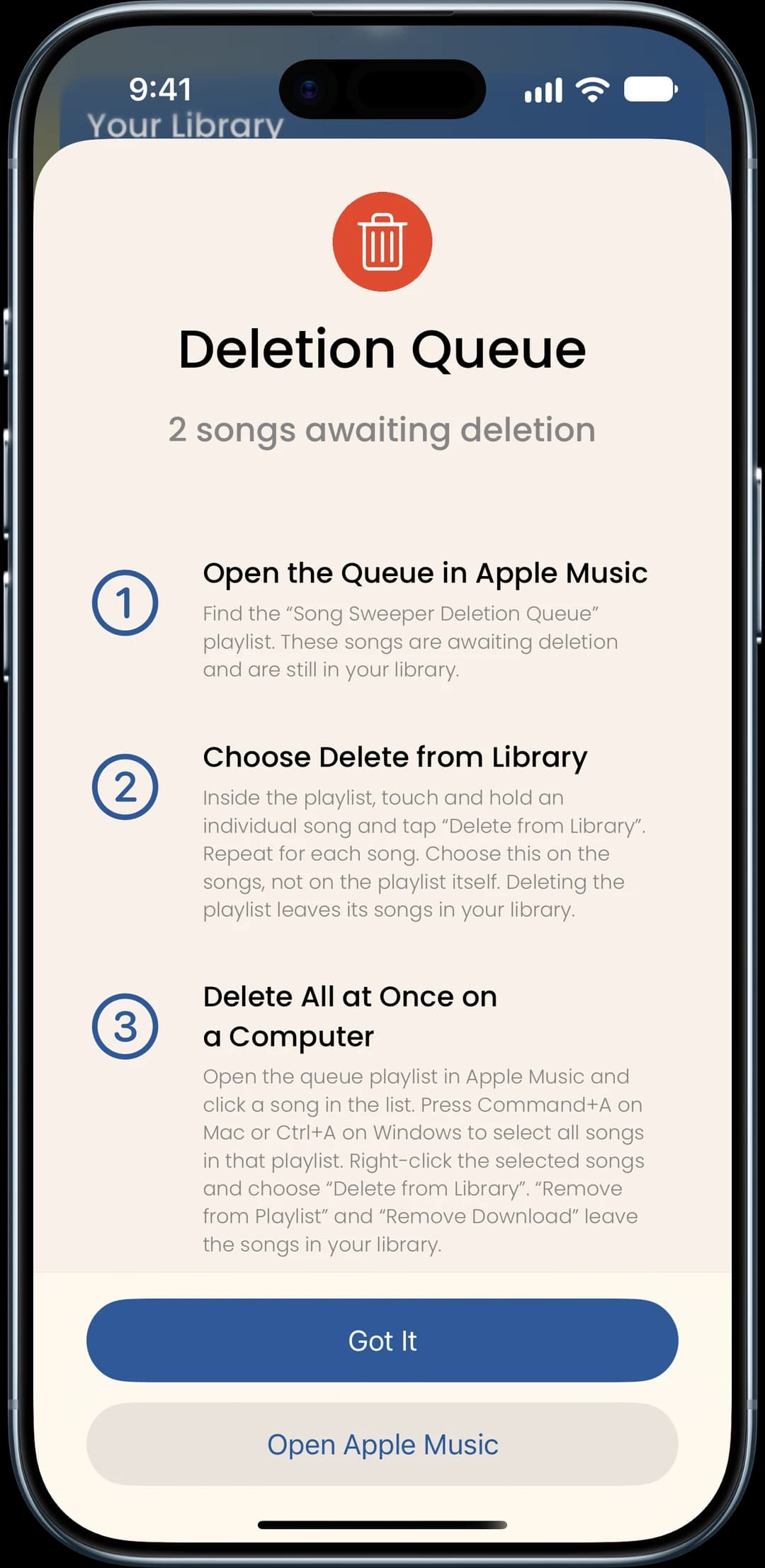
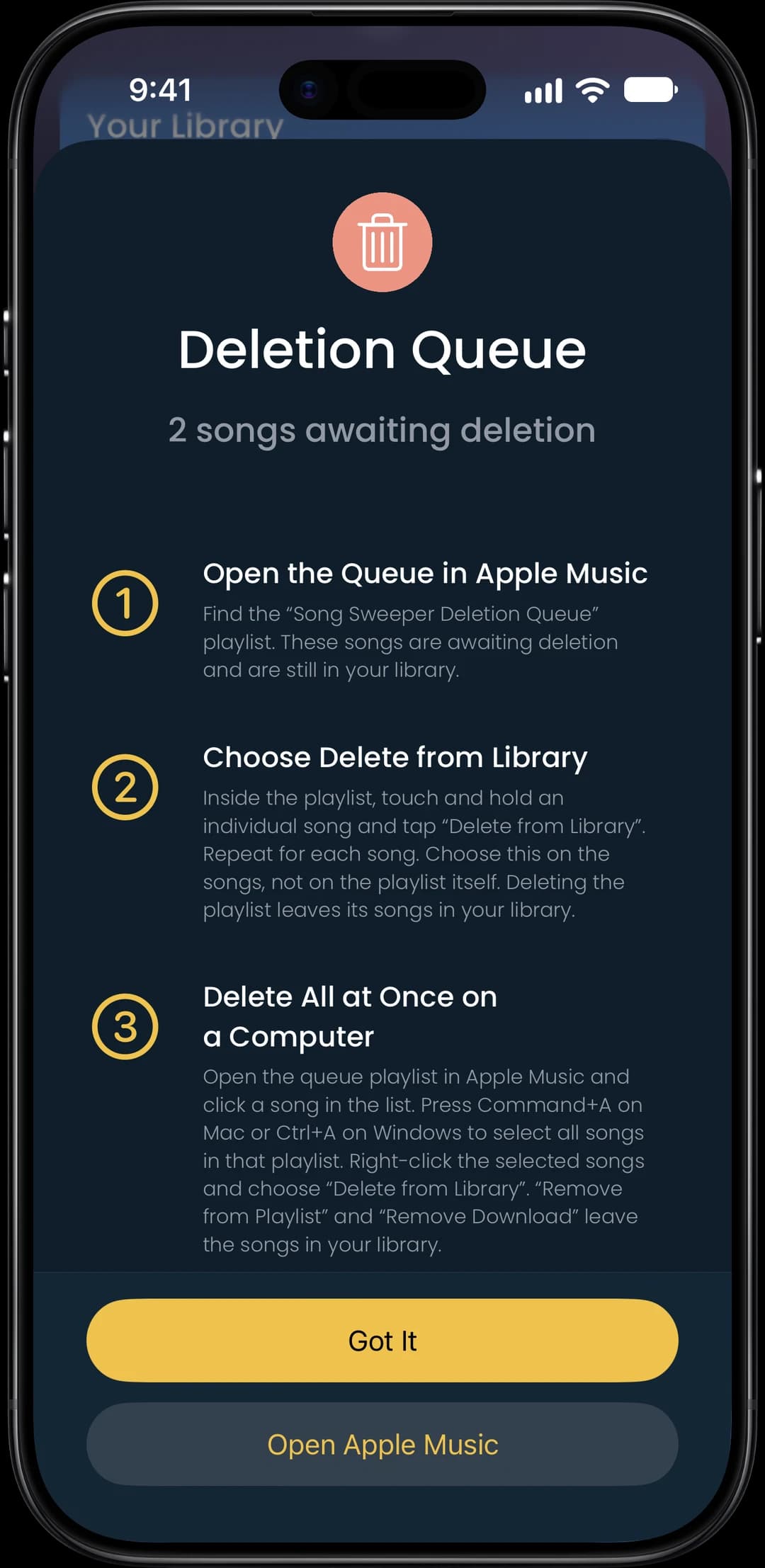
Confirm Deletion in Apple Music
All marked songs go to a Deletion Queue playlist in Apple Music. Review at your own pace, then delete when you’re ready. Nothing leaves your library by accident.