How to Remove Duplicate Songs from an Apple Music Playlist
The same track can appear in your playlists for many reasons. Mistakenly adding the same track from a different album, or iCloud messing up sync and getting exact duplicates.
Here is how to find and remove duplicate tracks from your playlists.
Step 1
Download Song Sweeper
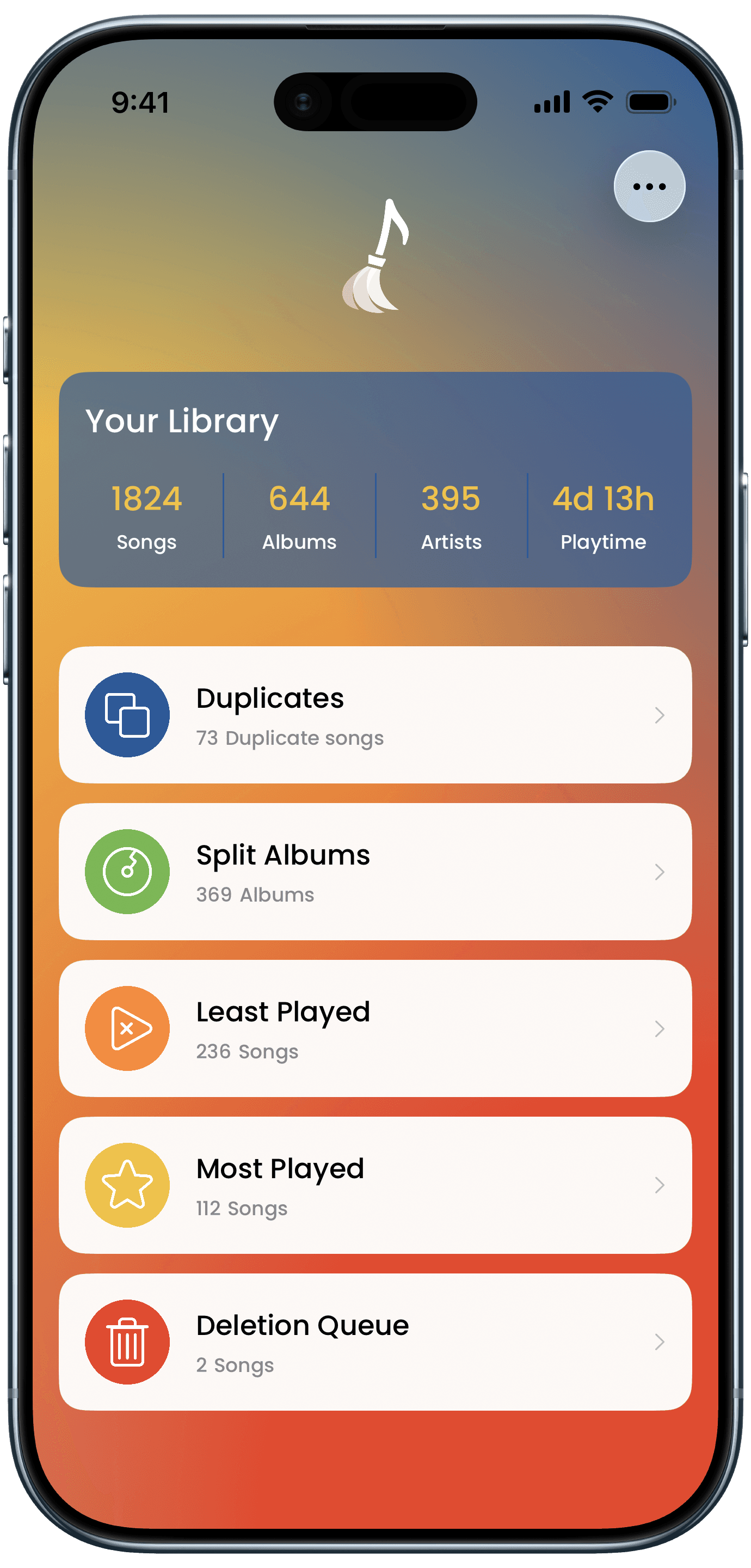
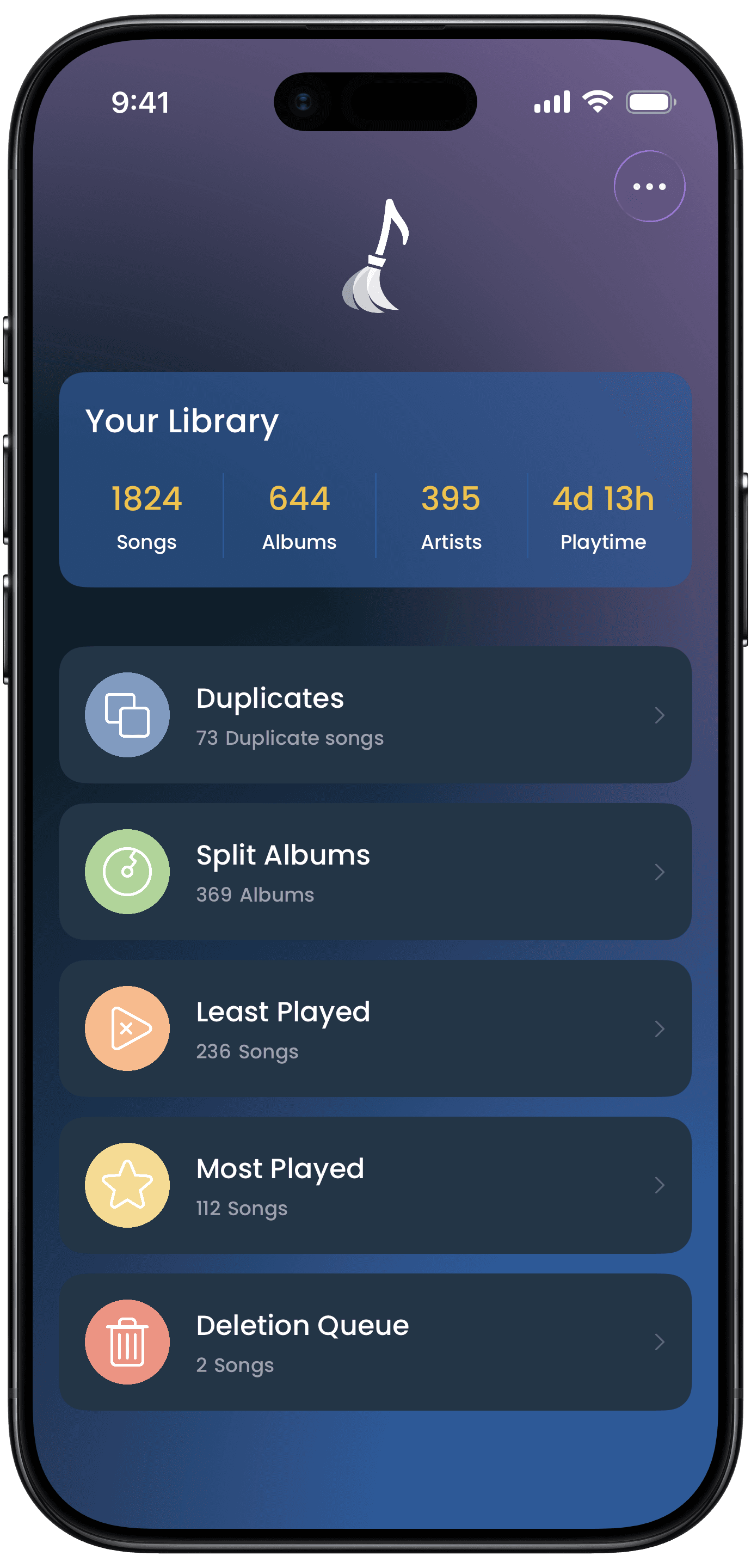
Get Song Sweeper from the App Store - it's the fastest way to remove duplicate songs from an Apple Music playlist. Open the app and grant access to your music library to get started.
Step 2
Find Duplicate Songs in Your Playlists
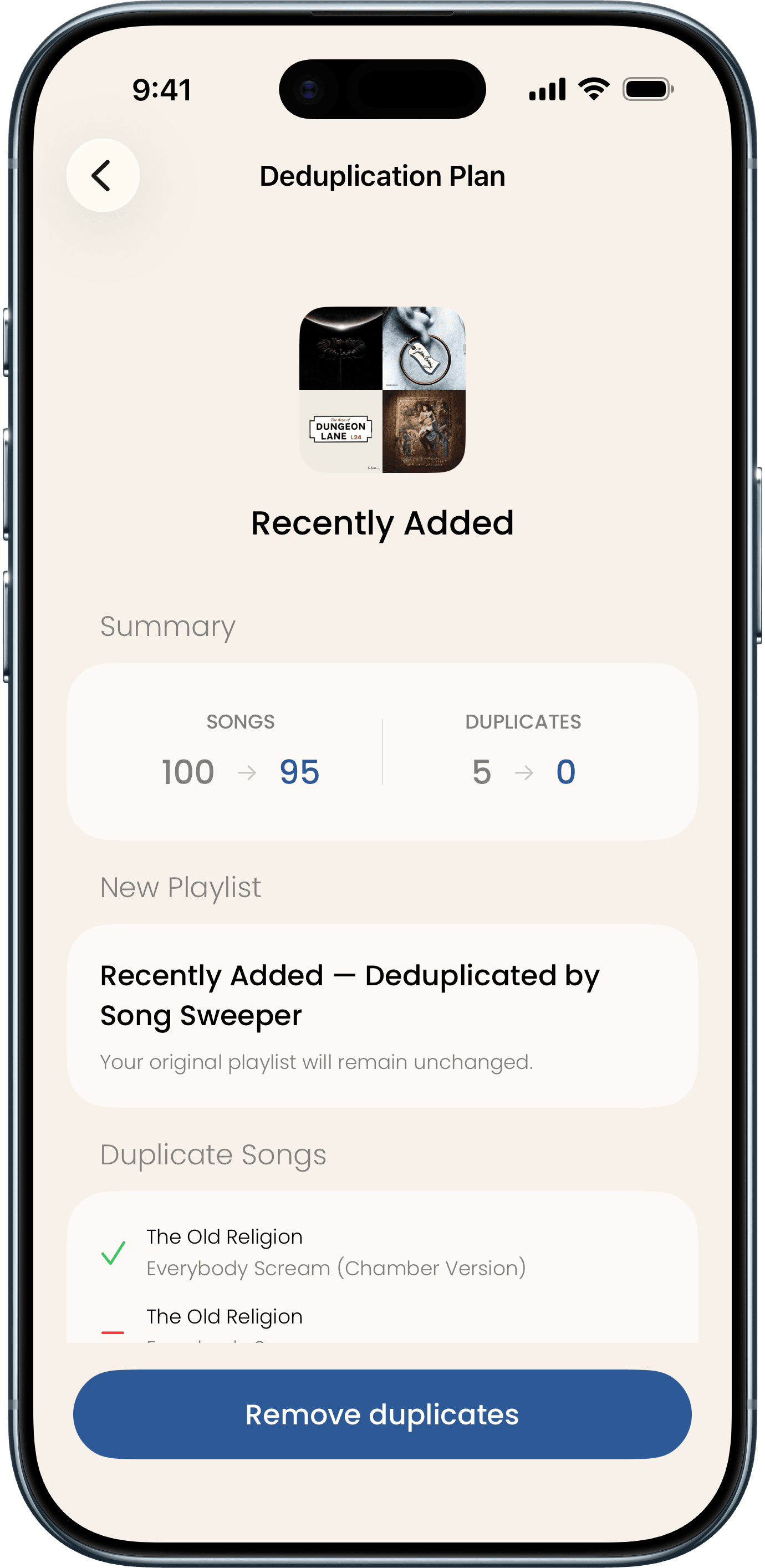
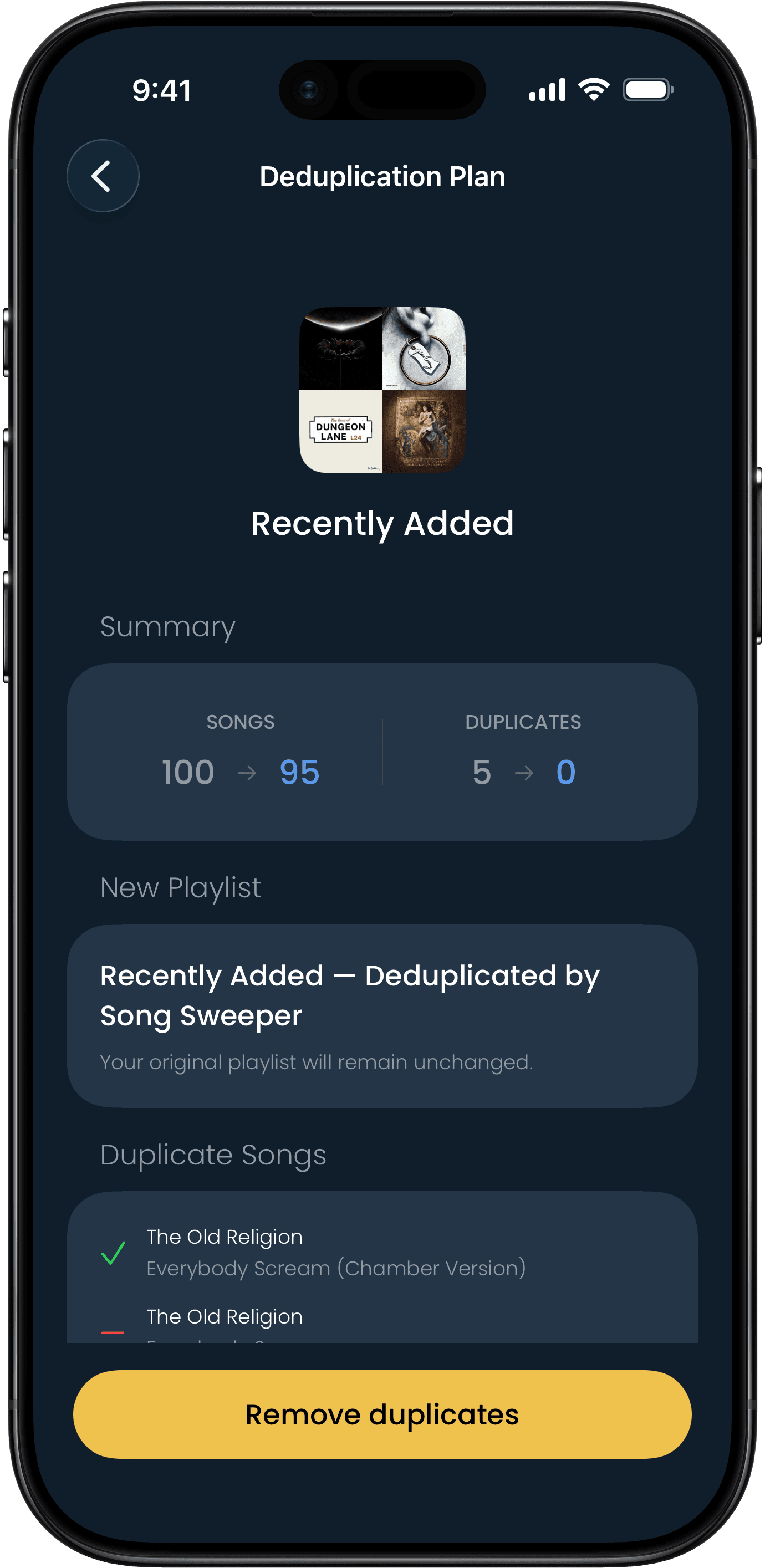
Tap Duplicates in playlists to see every playlist that has duplicate songs. Select one playlist or several at once - Song Sweeper finds exact copies and the same song from different albums.
Step 3
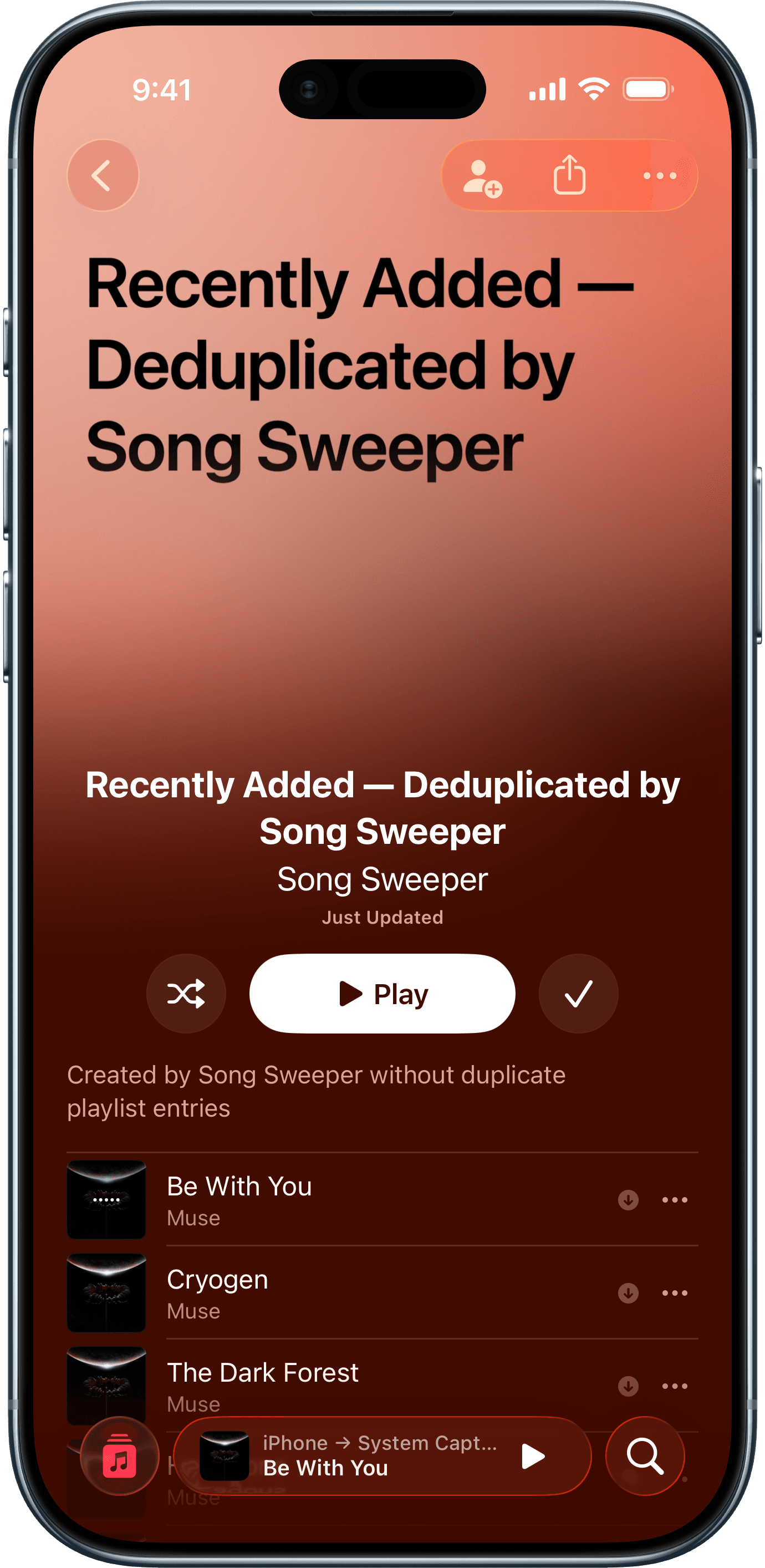
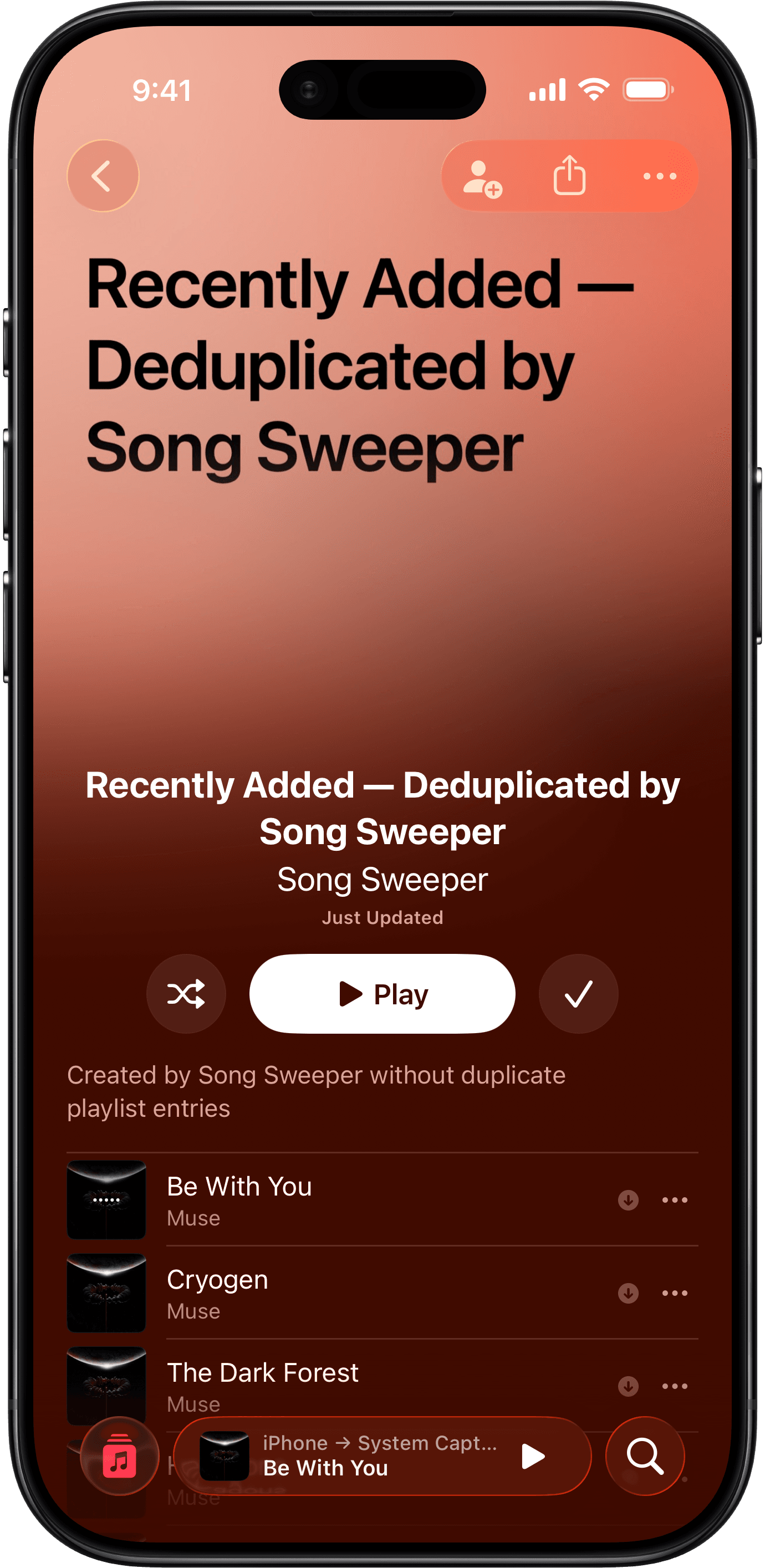
View Cleaned Playlist in Apple Music
Open Apple Music to view the new, deduplicated playlist. Rename it if you want, and delete the old playlist when you are ready.